| Who it is built for | Court reporting and litigation-support firms that prepare work, control Client access, and sell services under their own brand | Litigation teams working in the Steno Firm Dashboard; open beta, included with court-reporting jobs at no additional cost during beta |
|---|
| Intelligence for your Clients | Matter overview, suggested questions, and cited answers inside your branded Client portal | Case overview and chat inside the Steno Firm Dashboard |
|---|
| Questions across case materials | Matter-scoped chat across selected files or the whole matter | Whole-case chat, with @ mentions to focus an answer on a single file |
|---|
| Citations and source navigation | Answers link back to the supporting source in the record | Clickable references to exact files and pages |
|---|
| Transcript page-and-line citations | Available across transcript and report surfaces | Advertised for Transcript Genius summaries |
|---|
| Automatic case context | Automatic matter overview with an event timeline and plain-language brief that update as source files are added | Automatic overview, parties list, and event timeline that update as files are added |
|---|
| Cloud-held evidence | Local and ZIP upload, plus Google Drive and Dropbox imports | Local, folder, Google Drive, and Dropbox imports |
|---|
| File types | PDF, Word, PowerPoint, spreadsheets, images, email, audio, video, and many other formats | TXT, PDF, Word, PowerPoint, Excel, PNG, and JPEG |
|---|
| Transcripts produced elsewhere | Import and prepare existing transcripts in a Source matter | Accepts transcripts not produced by Steno |
|---|
| Guided prompting | Suggested questions from Lexi, Source’s agent, after a review of the matter files | Suggested questions drawn from case files, plus Improve Prompt |
|---|
| Structured report workflows | Configurable deposition summary, medical chronology, and proceeding-recap workflows with Word and PDF output, depending on the workflows your firm installs | Customized transcript summaries in Transcript Genius and prompted timelines in case chat; packaged report exports are not established in reviewed materials |
|---|
| Chat history and sharing | Saved chats with rename, delete, and Word or PDF export; share with selected Client recipients; continue a colleague’s chat privately | Autosaved chats; share a snapshot with everyone who has case access; continue a shared chat privately |
|---|
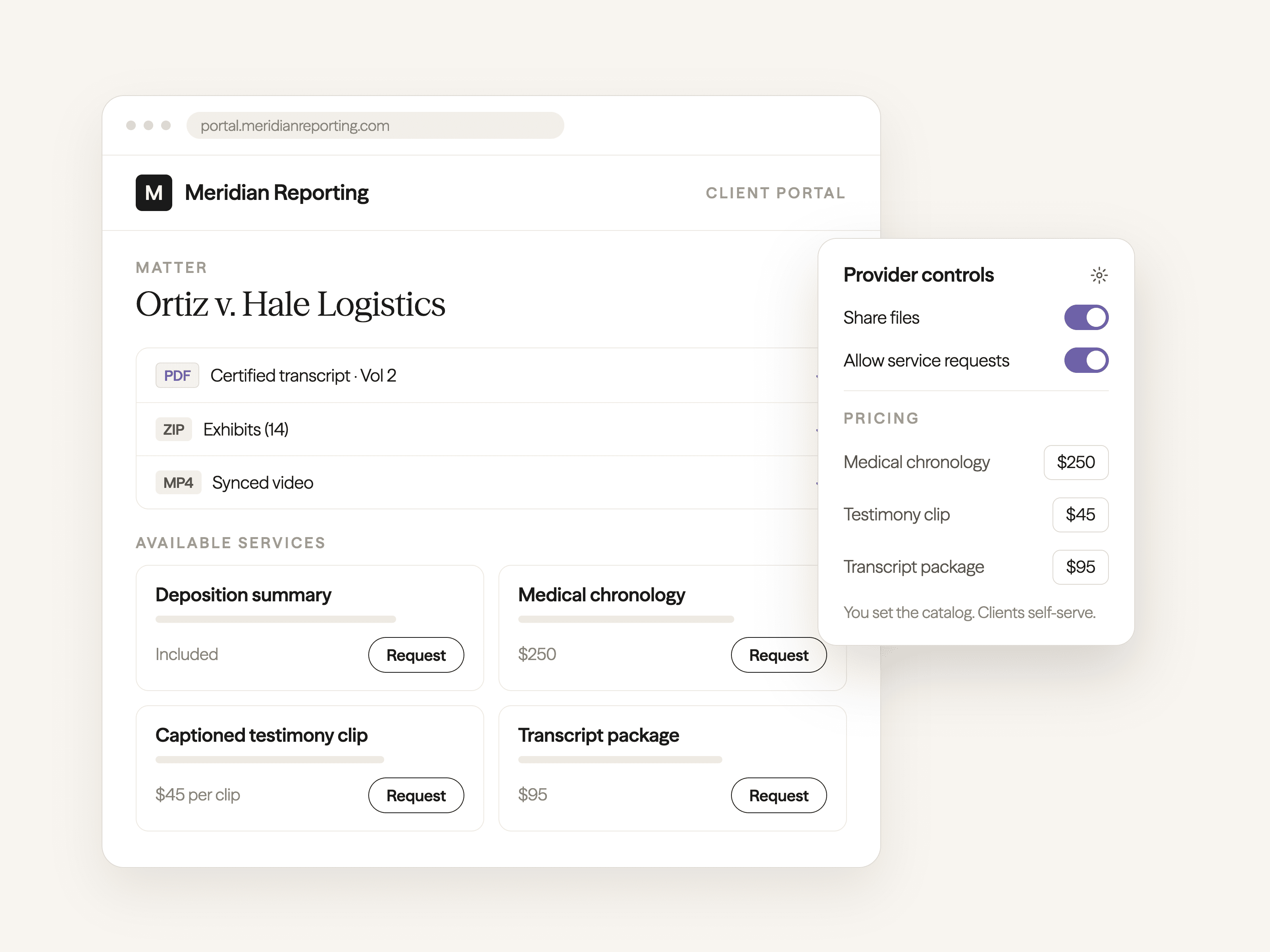
| Your service catalog and pricing | Choose which work Clients can request and set Client-facing prices | Reseller-style catalog: Not established in reviewed materials |
|---|
| Branding and custom domain | Provider logo, colors, and custom domain on the Client portal | Steno Firm Dashboard; white-label offering: Not established in reviewed materials |
|---|
| Client privacy boundary | Client-created matters are private by default; Provider access is granted separately and Clients choose what to share back | Case Admin and Case Viewer roles with case-level access; equivalent Provider and Client boundary: Not established in reviewed materials |
|---|
| Transcript packages and exhibits | Reporter-controlled certification, multi-format transcript packages, and a reviewable exhibit index with stamping | Marked exhibits load alongside the transcript for analysis; transcript production is outside the reviewed scope of Litigation Genius |
|---|
| Video sync and clips | Provider video workflow with natural-language clip planning and captioned MP4 clips; Clients can create and edit clips when the Provider enables it | Transcript Genius sync and clip editor with individual or merged, captioned or plain downloads; requires Text-to-Video Sync ordered through Steno |
|---|
| Security statements | SOC 2 Type II audited, HIPAA compliant, and documents are not used to train models | Steno states SOC 2 Type II, HIPAA compliance, zero retention by AI providers, and no model training on case data |
|---|
| Availability | Marketed product; some capabilities depend on your plan and configuration | Open beta announced October 13, 2026 |
|---|