Product
Introducing Para
Para is an AI colleague for legal teams. It works in your email, Microsoft Teams, and Slack, reads the documents you share with it, and can take on standing work so results arrive without another request.
A few weeks ago, one of our engineers got a Teams message they hadn't asked for. Para had been checking our internal dashboards each morning, as we'd asked it to, and noticed something worth a look. It explained what it saw and why it mattered, then asked whether we wanted it to dig further.
That message is the best summary of what we've built. Para is an AI that works where you already work. You can hand it a case file, a contract, or a standing responsibility, and it does the work and comes back to you in the same place.
"Para isn't an app you go to in order to do a thing. It's intelligence you can summon wherever you are, on whatever you're already working on."
When you need an answer today
Many of the people who reach for Para are under real pressure. A deposition is tomorrow, a client just sent forty files, or a deadline moved up. They need to understand a case quickly, and they need it done right.
Start by emailing Para a ZIP of the case documents, or upload it on the web. Para files the documents in a secure matter vault before it reads anything. If it isn't obvious which matter they belong to, it asks you. Then ask the question you actually have.
Most firms start by asking AI for a summary or a chronology. Para produces those well, but they're the work you already knew how to get. Ask instead what's coming. Where are the gaps in treatment? Where does a witness's account change between statements? What will opposing counsel ask first? What should you do before Friday?
"What lawyers actually want is to be three or four steps ahead. Putting this much intelligence on routine summarizing and relaying is woefully underusing it."
Work that comes to you
Para can also take on recurring work. Ask it, in plain language, to review the previous day's intakes every morning and tell you in Teams which ones deserve a closer look. Para sets up the schedule and confirms when and where it will report.
An illustrative example: a firm's morning review flags a new workplace-injury claim. The claimant's records show a chiropractor visit for back pain seven weeks before the accident. Para raises it before anyone has opened the file and suggests what to request next.
Standing work runs on the schedule you set. You can ask Para to show or change it at any time.
Wherever you are
Para works through email, Microsoft Teams, Slack, and a web app that works on your phone. It can join meetings to take notes and transcripts. It also connects to the document systems firms already use, including Microsoft 365 and Google Drive.
Every person on a plan gets their own Para. Your organization can also have a Shared Para for team work. You reach it at your firm's para@ address or by mentioning it in a Slack channel, and everyone in the organization can see the work it does there.
You coach it
The Operator post put it this way: "There is no configuration screen. There is no setup wizard. You coach it." That's still true, and the coaching now works much better.
When Para gets something wrong, tell it, the way you'd tell a new associate. Ask it to save the approach, and it will apply that correction the next time it does similar work. You can ask to see or change what it saved. Firm administrators can publish skills and firm guidelines for everyone, such as an intake procedure for a particular carrier.
"It's a brilliant, naive colleague that can handle almost anything you throw at it, if you're patient enough to coach it."
Under the hood, Para draws on open research we admire. It builds on Prime Intellect's work on recursive language models and Prime Agent. Para doesn't try to hold a 4,000-page file in its short-term working memory. It works through the documents with code and parallel helpers, and it can refine its own working instructions as it learns from corrections, with a history that can be reviewed and rolled back. That's why it can handle large case files without losing the details that matter.
From Operator to Para
In March, we introduced CaseMark Operator. Para is what Operator became.
"Operator was released a little bit too early. Frankly, the models weren't very good yet."
Onboarding was hard. Attorneys have demanding file-management needs, and our integrations weren't ready for them. Since then, the models have improved dramatically. We've built a real onboarding experience, and we've rebuilt the email, Teams, Slack, web, and document integrations so Para fits into the way a firm already works.
Where Para fits
This is a remarkable moment for AI assistants, and we're fans of the field. Legal AI platforms like Harvey and CoCounsel have shown what models can do for legal work. Microsoft Copilot, Claude, and a new wave of ambient assistants are bringing AI into chat apps and inboxes. Open-source agent projects such as OpenClaw and Hermes have shown how capable a persistent, self-directed agent can be.
We're doing it our way. Para is built for legal teams from the start, and it's priced so any lawyer can try it. It's open about which models it runs on, and it's designed to be operated by the firm instead of by an engineering team.
That last point matters more than it sounds. Anyone can set up an open-source agent. Keeping one working in production, with the right permissions and access boundaries, takes real engineering work.
"A partner who sees a failed bash command in their email is going to be extremely confused."
Para handles that work for you. There are no servers to maintain and no permissions to hand-tune.
Your models, your inference
We think intelligence will become a strategic asset for law firms. Firms that train and run their own models will have an advantage, and they shouldn't have to give up their tools to get it.
On Enterprise, Para can use your own model provider: a major cloud or API provider, or any compatible endpoint you run yourself.
"A while ago, I wired up a GPU running in my kitchen to serve the inference Para was using. There is no world in which you are stuck using anyone's models or anyone's inference. If your firm has a team fine-tuning its own models, you can wire that straight into Para, and it's all yours."
When you bring your own provider, that provider bills you for model usage directly. We don't mark up inference you bring yourself. Para's seats and services, such as document processing and search, are covered by your agreement. If you want help setting up custom models or dedicated inference, we're glad to work with your team.
Security and plans
Attorney-client privilege is a constitutional protection, and we treat it that way. Documents live in matter vaults with access set by team. Administrators get an audit log. CaseMark is SOC 2 Type II certified. Details are in our trust center at trust.casemark.com.
- Standard, $20 per seat per month. Your own Para for everyday work, through email, Teams, Slack, and the web. Includes secure document storage and search, standing work, skills, meeting notes, and document connections. Standard runs on a low-cost model whose provider may use what it's sent to train its models. For confidential client work, choose Pro.
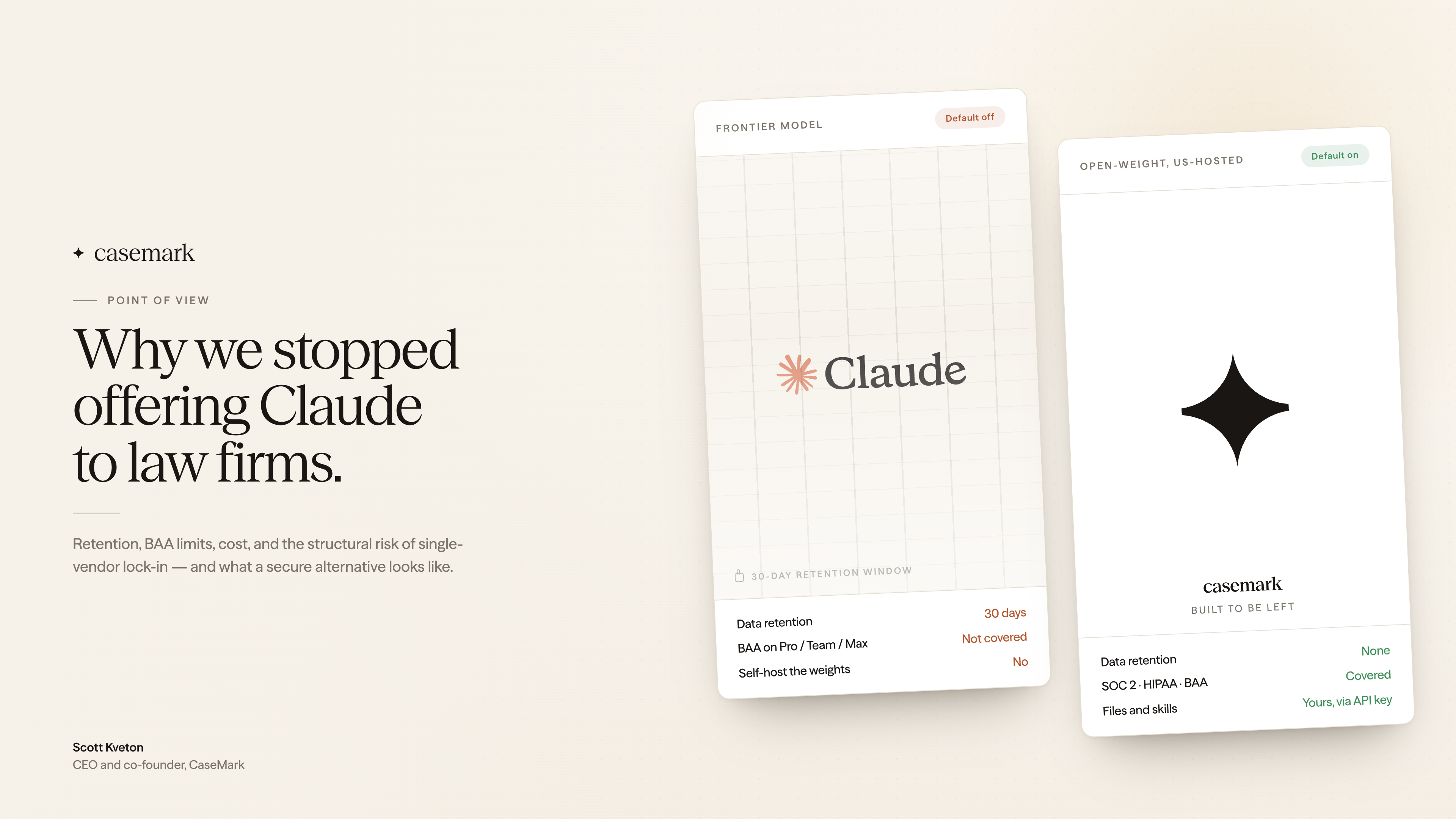
- Pro, $100 per seat per month. Choose from leading models, including frontier models, all with zero data retention: models never store or train on your data. Includes direct support from the CaseMark team, and a BAA is available on annual Pro.
- Enterprise. Single sign-on, your own model providers, a custom agreement with a signed BAA, and seats and usage on one annual invoice.
"Optionality for attorneys trying this technology out is the key. You can use an inexpensive option with data that isn't sensitive, or upgrade to Pro at a price that won't break the bank and get complete control plus the enterprise features you'd expect from a platform like Para."
Beyond legal work
Para's foundation is general-purpose. At CaseMark, we use it to watch our engineering dashboards, manage contracts on deals we're negotiating, and open pull requests in our codebase. We're focused on legal because that's where our experience is deepest and where demand is strongest. If your team has another use in mind, we'd like to hear about it.
Get started
- Firms with confidentiality, privilege, or regulatory requirements: book a demo at casemark.com/contact, or write to sales@casemark.com. We'll help you choose the right plan and set up access for your teams.
- Everyone else: try Para at para.casemark.ai/signup. Your first assignment is on us.