Common audio and video formats
Upload MP3, M4A, WAV, FLAC, OGG, OPUS, or WebM audio, plus MP4, WebM, MOV, AVI, or MKV video. Source keeps the recording attached to the Matter.
Turn body camera footage, 911 calls, witness interviews, voicemails, dictation, depositions, and hearings into speaker-labeled, timed text you can review beside the source media.


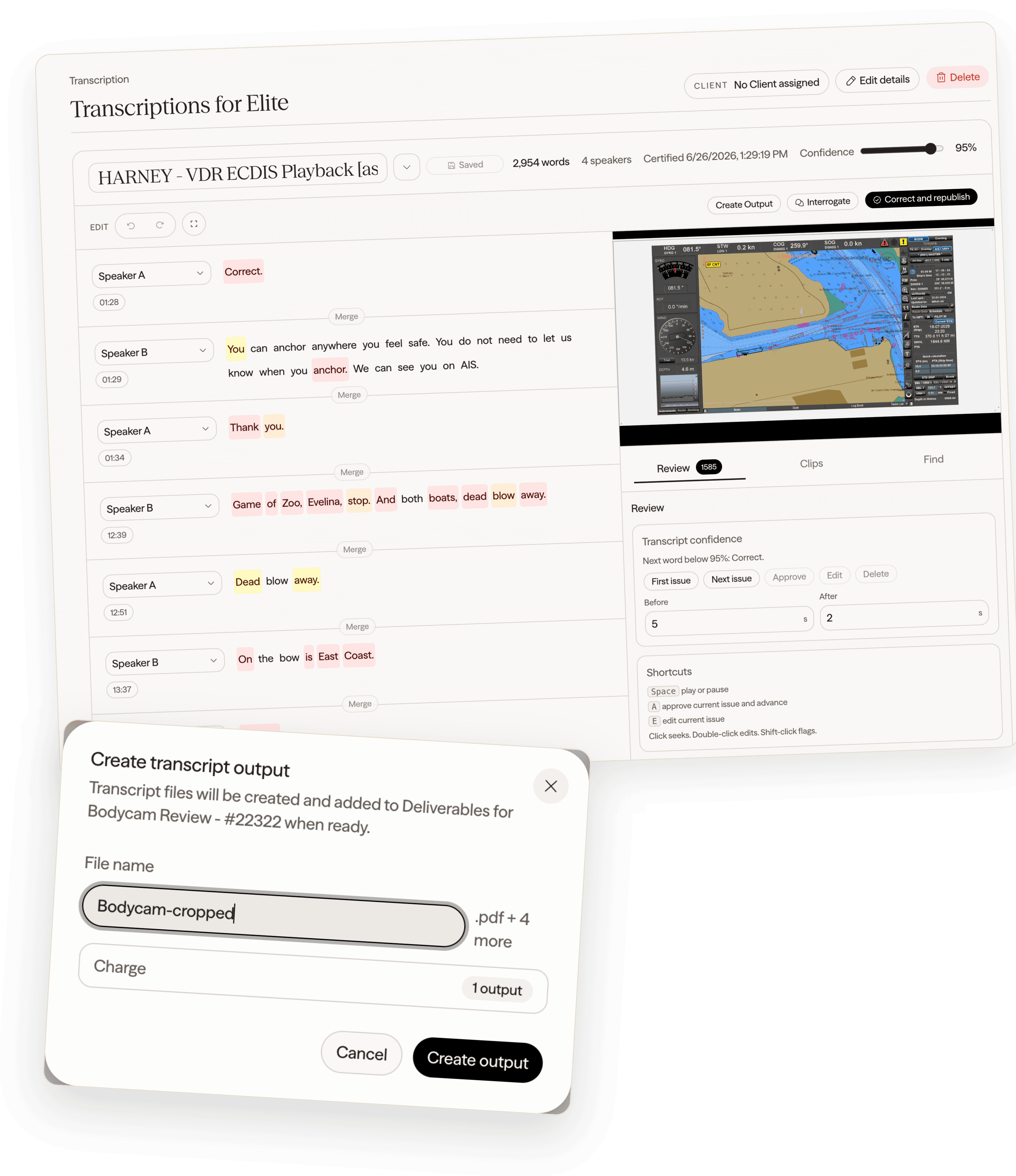
Processing times are typical rather than guaranteed and vary with recording length, audio quality, speaker count, and system load.
CaseMark Source keeps the recording, transcription progress, timed transcript, corrections, exports, and approved delivery in one Matter instead of scattering the work across upload links and desktop tools.
Upload MP3, M4A, WAV, FLAC, OGG, OPUS, or WebM audio, plus MP4, WebM, MOV, AVI, or MKV video. Source keeps the recording attached to the Matter.
Transcribe multilingual recordings with automatic language handling, then keep the original media and resulting text together for review.
Separate speakers, retain word-level timing, and format punctuation, numbers, and dates so long recordings are easier to navigate.
Play the source media beside the transcript, follow the active words, and click testimony to seek the recording.
Find transcript text, move between matches, correct words or speakers, and review uncertain passages against surrounding context.
Download the reviewed transcript as PDF, DOCX, TXT, WebVTT, or SubRip for legal review, captions, and downstream production.
Transcription typically finishes in a fraction of the recording length, then opens as timed text beside the source media for searching, correction, and export.
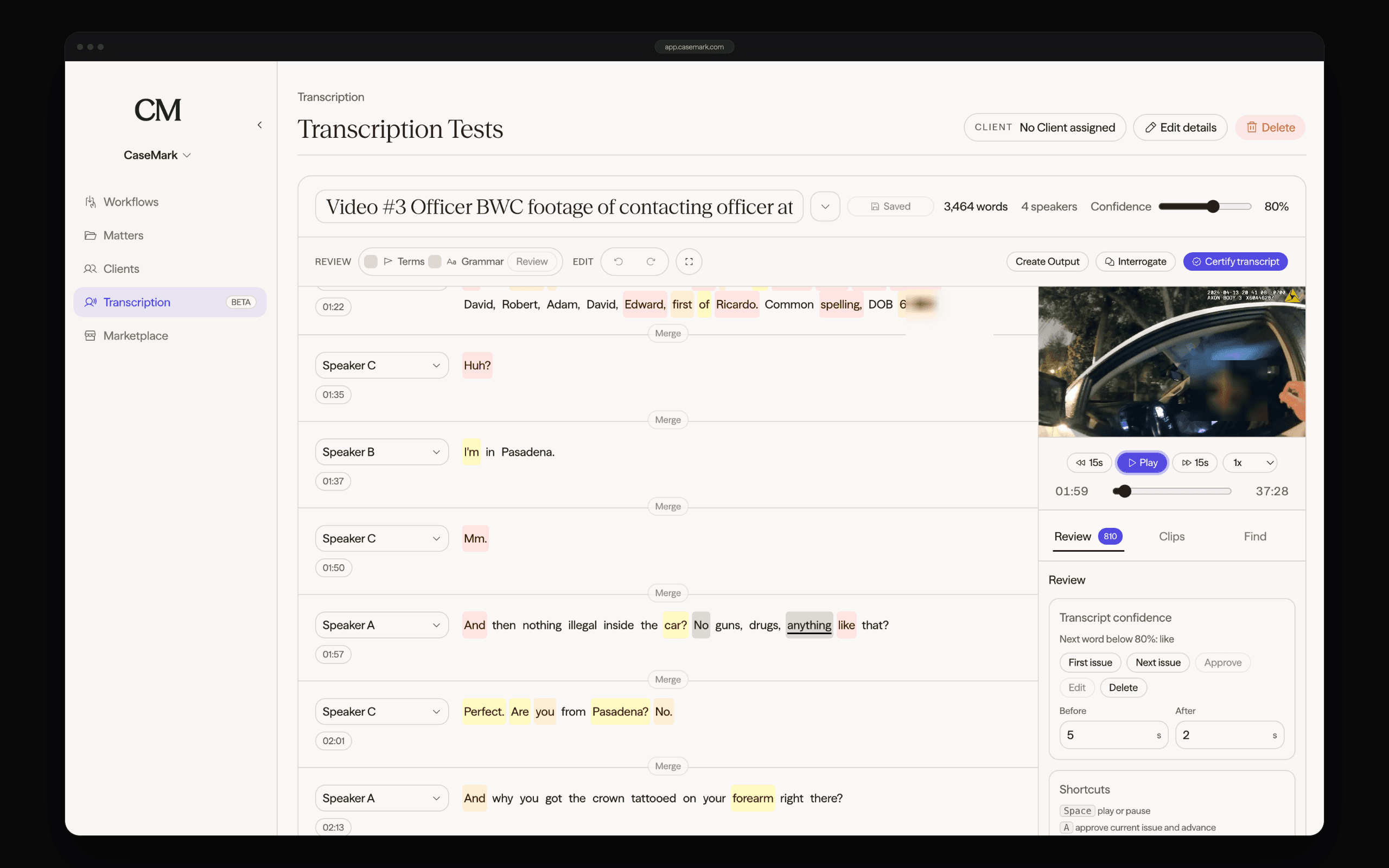
Source connects the recording and timed transcript to review, captioned clips, transcript production, Matter intelligence, and controlled client delivery.
Keep every correction grounded in the source recording.
Move from transcript words to reviewed MP4 testimony clips.
Use the transcript for summaries, Interrogate, and other approved workflows.
Make finished files available through a controlled client portal.
Move recordings into reviewable, exportable text without disconnecting them from the Matter or the work that follows.
Turn long field recordings into searchable, timed text while preserving the path back to the source video.
Separate speakers and follow the sequence of a call with word-level timing and synchronized audio review.
Create reviewable interview transcripts that make specific statements and surrounding context easier to find.
Convert short voice messages and recorded conversations into text that can be searched, shared, and reviewed.
Turn spoken notes, case observations, and drafted language into editable text without manual retyping.
Move recorded proceedings into speaker-labeled transcripts, synchronized review, captions, and downstream legal work.
Start with body camera footage, calls, interviews, voicemails, dictation, or recorded proceedings and move directly into reviewable text.